

Data Migration
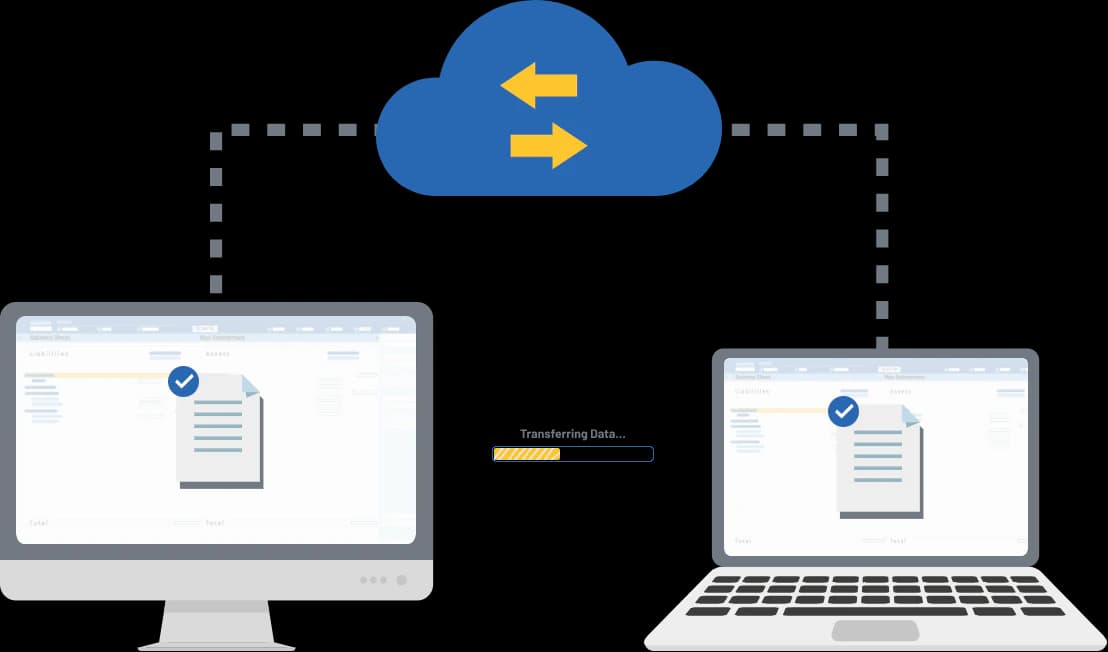
Seamlessly migrate data across applications to achieve improved performance and enhanced security, ensuring smooth transitions between Tally versions and third-party software.
- Tally to Tally
- Tally to Other Software
- Other Software to Tally


What is Data Migration?
Data migration helps businesses move their data securely and efficiently across systems to improve performance, ensure data safety, and support future growth.

Optimizes data structure for faster processing and better system efficiency.


Protects critical business data with updated security standards and controls.

Ensures smooth operation across newer Tally versions and third-party applications.

Enables seamless transitions with minimal downtime and no data loss.
Key Types of Tally Data Migration
- Version Upgrade: Upgrading from older versions like Tally.ERP 9 to the latest TallyPrime ensures a smooth and secure transition. This type of migration offers enhanced data security, a seamless upgrade process and access to advanced features that improve overall business efficiency.
- Platform Migration: For businesses currently using other accounting software or spreadsheets, platform migration helps unify all data into TallyPrime. It simplifies operations by reducing system complexity and allows for custom data mapping to ensure accurate and organized migration.
Steps in Tally Data Migration
Pre-Migration Preparation
- Backup data securely
- Check data health and consistency
- Try to backup on cloud
Migration Process
- Install the Tally
- Select the source and destination
- Convert and validate data
Post–Migration Tasks
- Test the migrated data
- Train your team on the new features
- Secure a final backup
Migration with Tally
Migrate your data from older Tally versions or other accounting software to TallyPrime with complete accuracy and minimal downtime.